LAUNCHING NOV 21
NOW LIVE
TRAIN WITH INTENT.
ASCETIC builds your whole training block, then progresses every lift from your own numbers.
Launch news only from Jordan Straub. Unsubscribe anytime. Privacy
Add it to your home screen: on iPhone, Safari, Share (it may be under ⋯), Add to Home Screen. On Android, Chrome, menu (⋮), Install app.
HOW IT WORKS
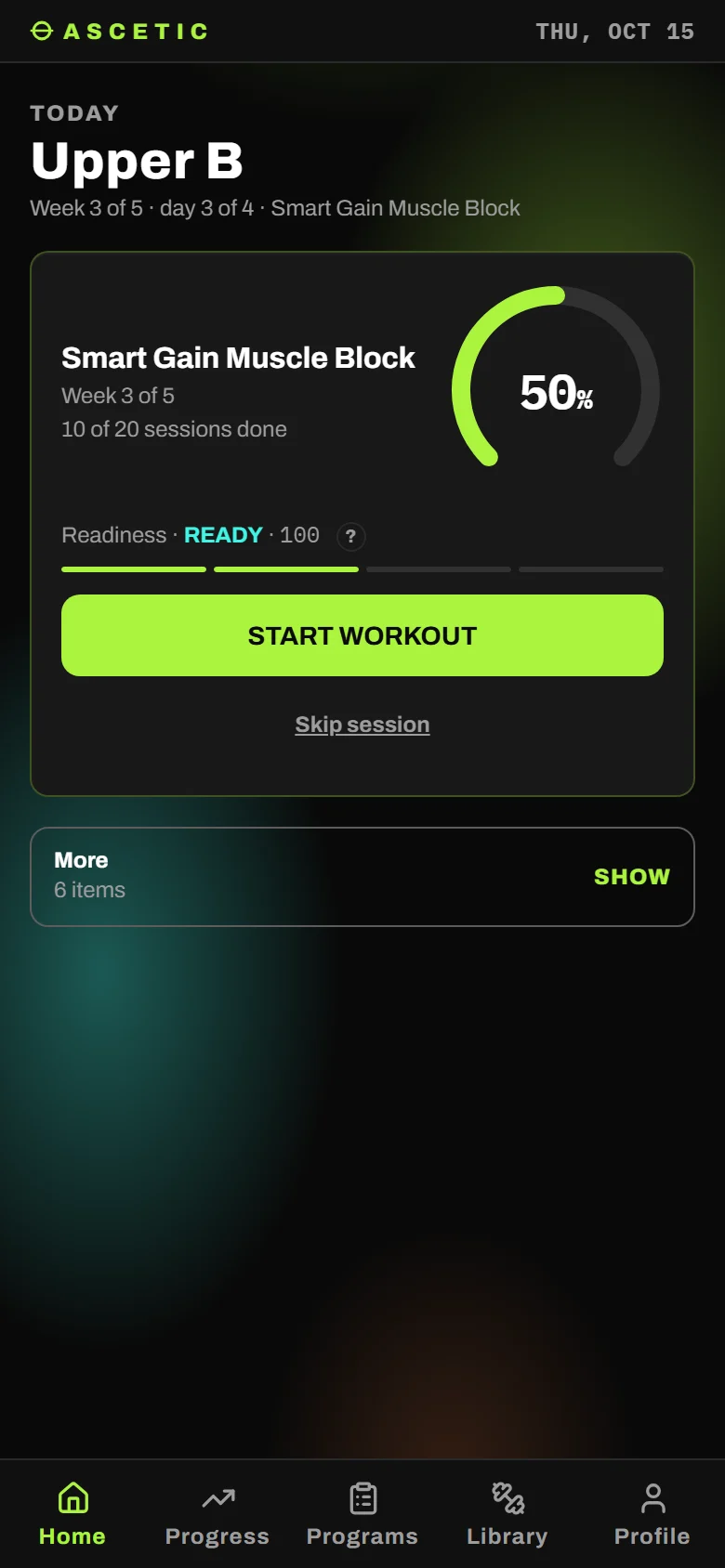
BUILD
Let Smart Generate build it from a few questions, build it with Guided Manual's tips, or go Fully Manual and set every set.
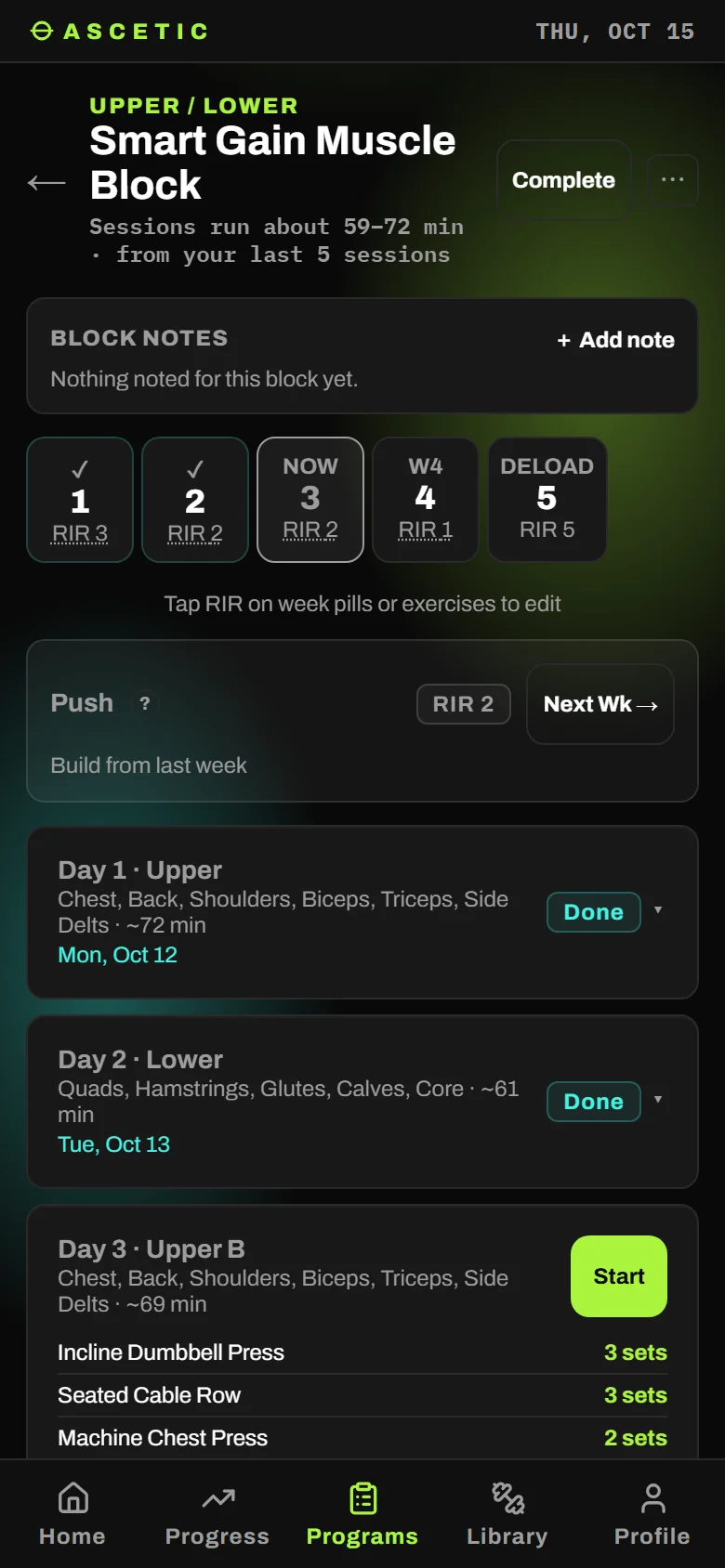
TRAIN
Log every set. Each training day is tracked on its own, week to week.
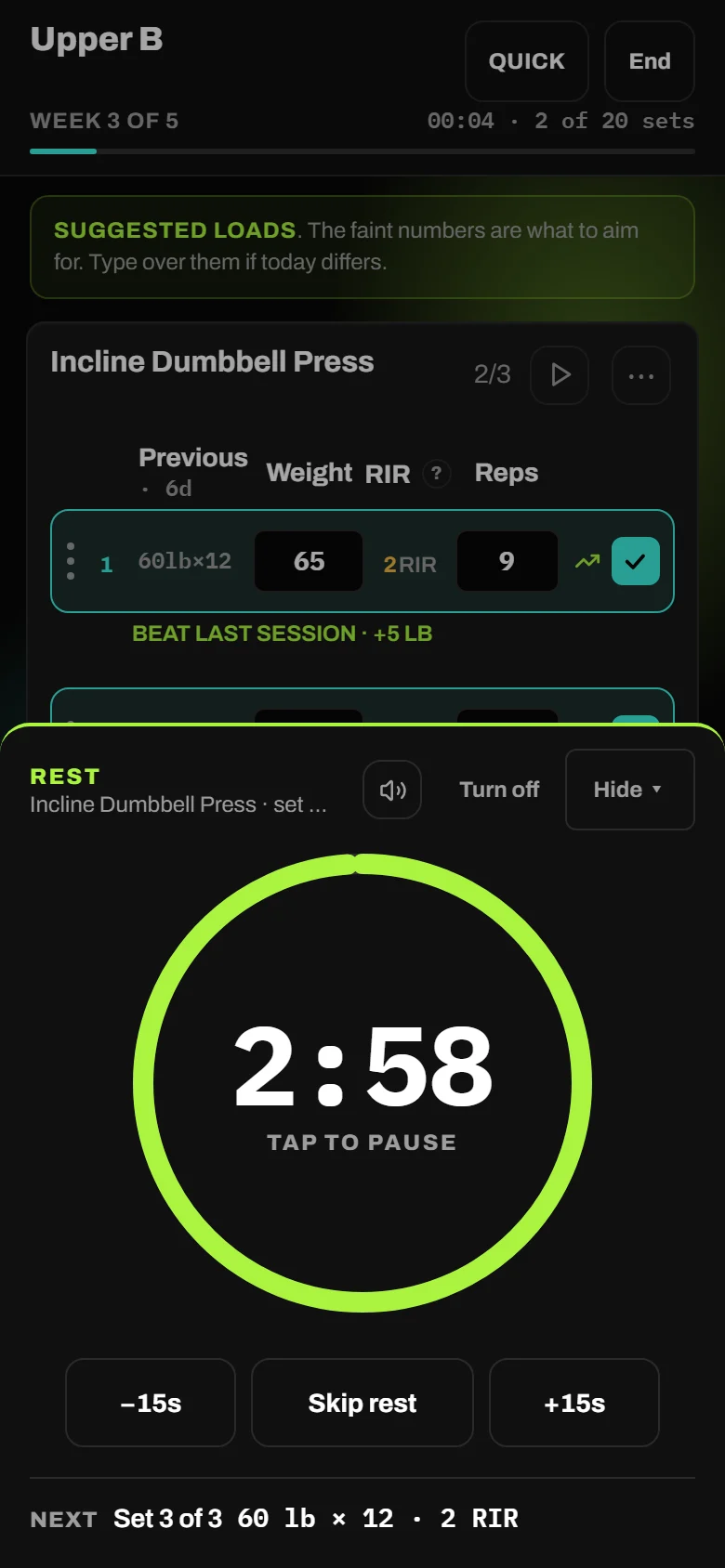
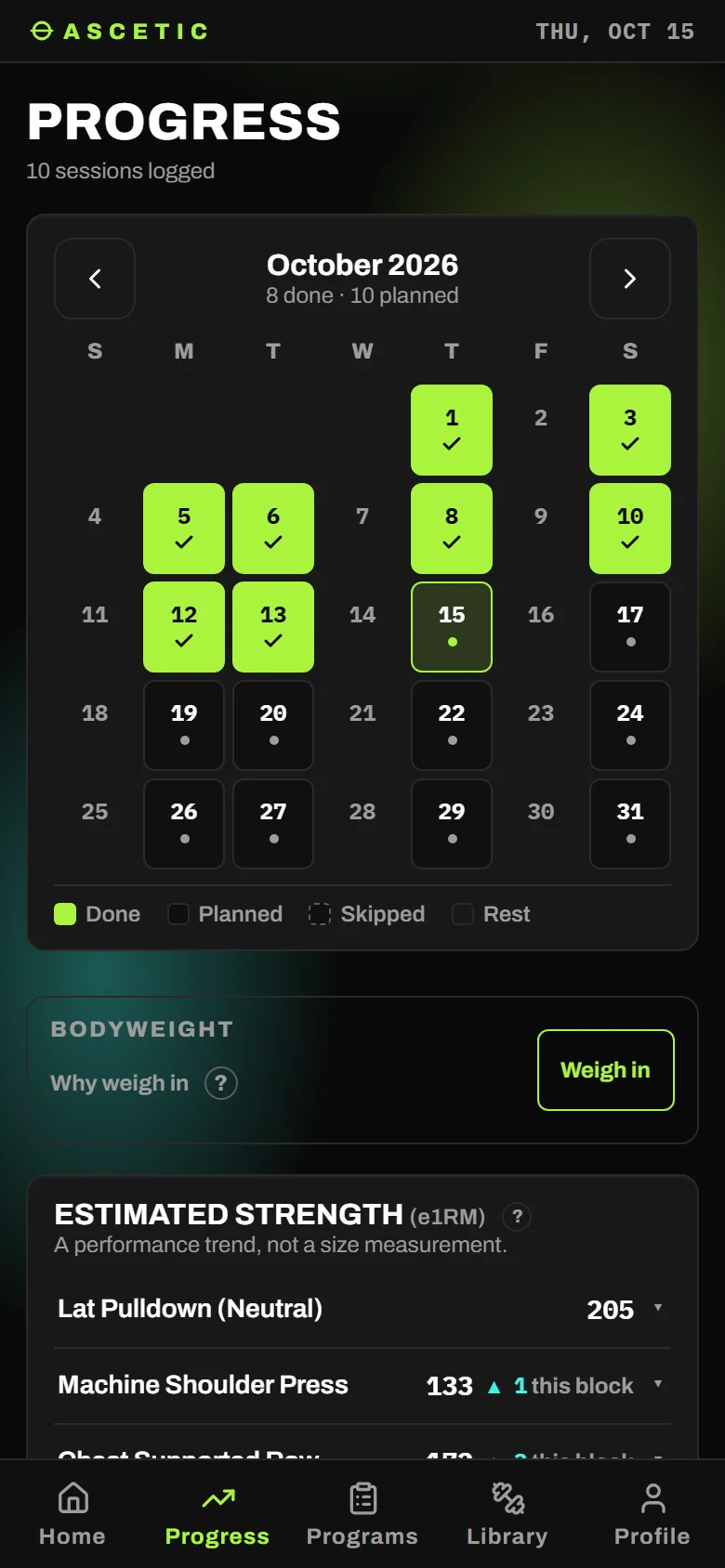
PROGRESS
Next week's weights and reps come from what you actually lifted.
BUILT AROUND HOW YOU TRAIN
Every goal
Build muscle, lose fat, get stronger, powerbuilding or general fitness. Or start from a ready-made program.
Progression that's earned
Hit the top of your range and the weight goes up. Miss, and it holds or comes back.
Injury mode
Train around what hurts instead of skipping the gym.
Travel mode
A hotel gym, a full gym, or no equipment at all. Tick what's there and it works with that.
Your gym, your machines
Tell it what your gym has. It only programs what you can use.
Cardio and steps
Cardio is logged with your lifting. On a cut, daily steps are too.
BUILT BY A LIFTER
I've tried nearly every training app out there. Each one did something well and missed something else. Most were complicated to set up, tedious to log in, and left little room to train your own way. Everyone trains differently, so ASCETIC adapts to you: follow a full program built around your goals, design your own, or keep it to weight and reps. Everything in one place, intuitive from the first session, and free.
BECOME A FOUNDING MEMBER
Sign up before Nov 21 and you get in a day before everyone else. Your feedback shapes what gets built next.
Launch news only from Jordan Straub. Unsubscribe anytime. Privacy
FAQ
- Does it work on my phone?
- Any modern phone browser, iPhone or Android, nothing to download.
- Can I put it on my home screen?
- Yes. It then opens like an app and works without a connection. iPhone or iPad: in Safari, tap Share (it may be under ⋯), then Add to Home Screen. Android: in Chrome, tap the menu (⋮), then Install app or Add to Home screen. On iPhone, add it before you log anything: the installed app starts empty; sign in and your log comes across.
- Where is my data?
- On your device. If you make an account (it's optional, and signing in the first time makes it), a copy is kept in your account so it's on every phone you use. Download a backup any time in Settings, under Backup & export.
- Do I need a full gym?
- No. Tell it your equipment, from a full gym to bodyweight.
- I'm a beginner. Is this for me?
- Yes, Smart Generate builds the block for you.
- Is it in my language?
- The app is available in 10 languages.